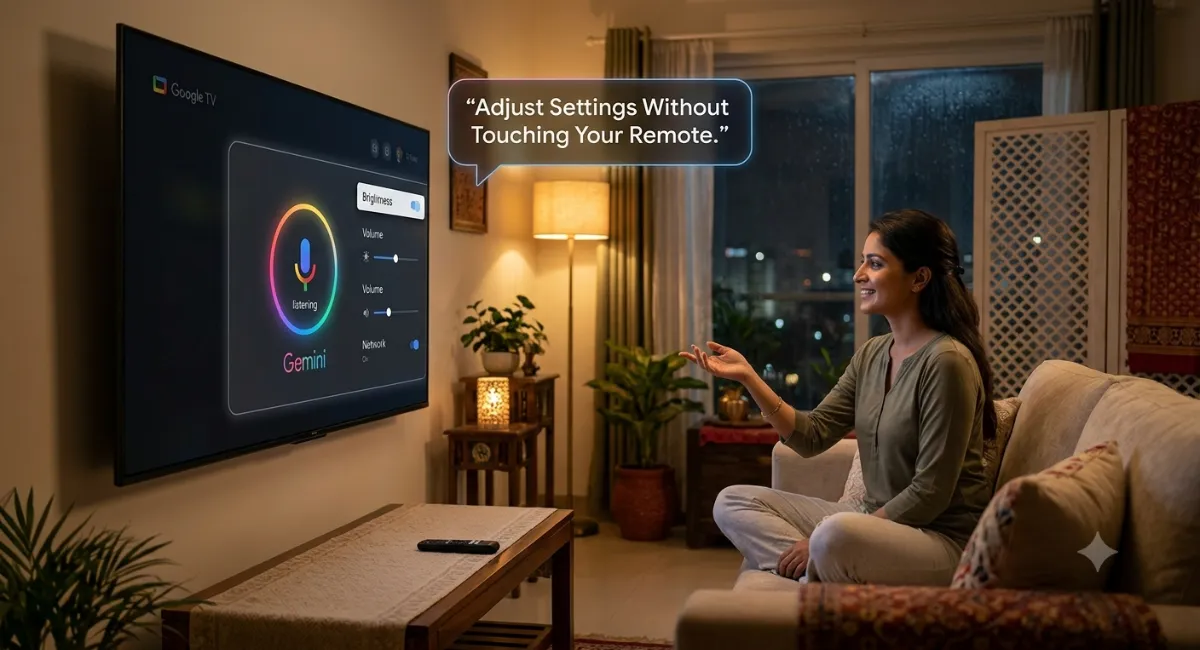
Google quietly flipped a switch on June 11, 2026, and if you own a recent TCL TV in the US, your remote just became a bit less necessary. Gemini, Google’s AI assistant, can now adjust your TV’s picture and sound settings through plain spoken requests. No menu diving. No clicking through four screens to find brightness.
That sounds minor. It’s actually a bigger deal than it looks.
The thing it solves most is menu navigation
Anyone who’s wrestled with a smart TV menu knows how bad they get. Buried under Accounts, then Display, then Advanced Video, then somewhere in there is the one toggle you wanted. Gemini lets you skip all of it. Say “open display settings” and it takes you straight there. Say “the screen is too dark” and it adjusts brightness without you naming a single technical parameter.
This troubleshooting approach is genuinely smart. You describe a problem in ordinary language, and the system figures out the fix. “I can’t hear the dialogue clearly” doesn’t mean Gemini asks you to clarify. It reads the situation and adjusts dialogue enhancement automatically. Some of these requests can also trigger subtitles if the audio issue needs a different solution entirely.
Four things it actually does
Boil away the marketing and Gemini handles four types of requests: direct adjustments (“set picture mode to Sport”), problem descriptions (“the screen is too dark”), scenario optimization (“it’s movie night”), and menu navigation (“open display settings”). Picture controls include brightness, contrast, color intensity, and picture mode switching. Audio covers volume, bass, equalizer tuning, sound modes, and dialogue levels. It can also adjust multiple settings simultaneously based on a single request.
Who can use it right now
Only certain TCL models get it first: the QM9K, X11L, QM9L, QM8L, RM9L, and a handful of others. Your TV needs Android TV OS 14 or later and at least 2GB of RAM. The Google TV Streamer is also on the list, as are some Hisense U7, U8, and UX models and Walmart’s onn. 4K Pro. TCL holds exclusive access for roughly 60 days, after which other manufacturers join the rollout. Canada support (English and French) is confirmed but not yet live. India has no timeline.
To turn it on: Settings → Accounts & Profiles → Voice Assistant → Gemini for TV. Hands-free mode lives in the same menu.
What the skeptics are right about
Tech reporters asked Google a pointed question: if all this voice control covers only basic settings like brightness and volume, is it actually useful? Nobody got a clear answer on things like motion smoothing or turning off ACR (the feature that monitors what you watch). If advanced parameters stay off-limits, the novelty fades quickly. There’s also a legitimate question about whether AI is being added to TVs because users want it or because product teams need to put it somewhere.
That skepticism is fair. The practical value of this feature lives entirely in how deep the control goes, and the honest answer right now is that nobody outside of early testers knows for certain.
The bigger picture
Gemini on Google TV isn’t just a voice shortcut. It connects to Google Photos for AI-edited slideshows and image generation, pulls live sports data, offers narrated educational deep-dives on topics, and will eventually handle smart home commands through the TV. The settings control is one piece of a much larger takeover of the Google TV interface.
Quick verdict
If you own an eligible TCL TV and spend any time hunting through settings menus, update the software and try it. The troubleshooting capability alone justifies the five minutes. For everyone else: the 60-day exclusivity ends around August 2026, and by late 2026 most Google TV devices should have access. Worth waiting for, not worth buying new hardware over.