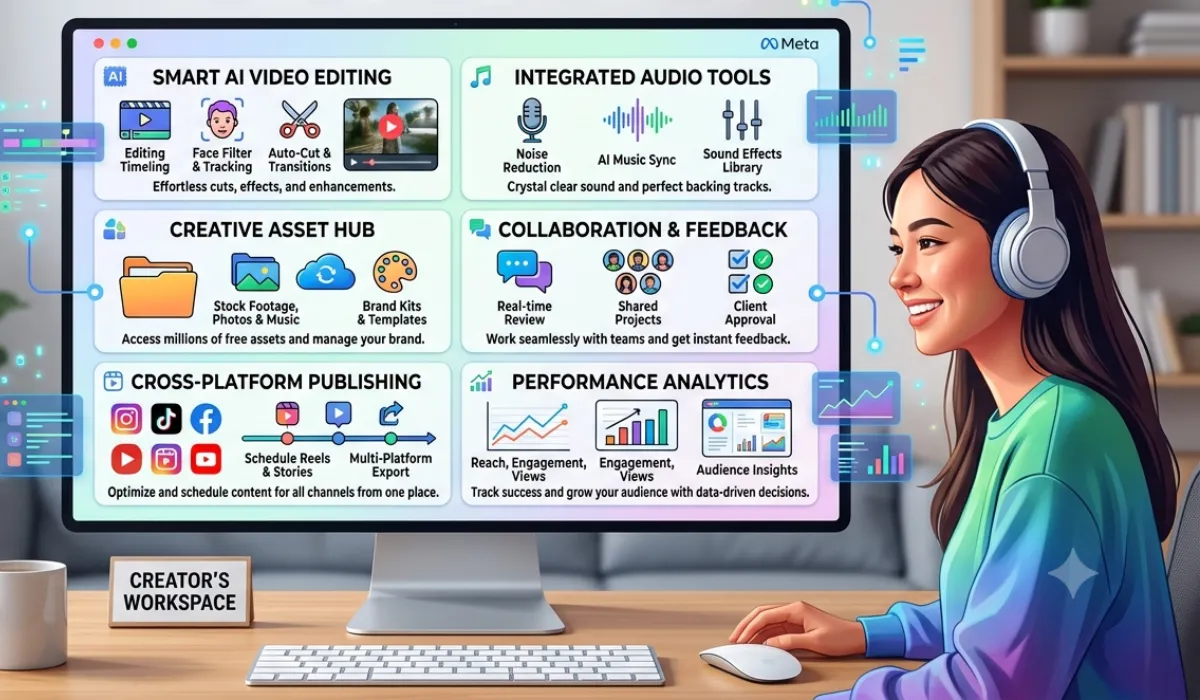
Meta announced on June 12, 2026 that its Edits app is getting a desktop version and a built-in AI assistant. If you make Reels for a living, or even just post a few times a week, this matters. Here’s what’s worth paying attention to, ranked by how much it affects your workflow.
- The desktop version changes how you edit
Right now, Edits only runs on iOS and Android. The desktop version, expected to go public in August 2026, brings it to Windows and Mac. The practical difference is real: a multi-track timeline, frame-accurate cuts, keyboard shortcuts, proper color grading tools, and 8K export. If you’ve been jumping between CapCut on your laptop and Reels on your phone, this could replace that process entirely.
Your projects sync automatically between devices. Start on your phone, finish on your computer. No manual transfers.
To run it comfortably, you’ll need 8GB of RAM and Windows 10 or macOS 12 at minimum. The app is free. Cloud storage starts at 10GB free, with paid tiers if you need more.
- The AI assistant is more useful than it sounds
Most “AI assistants” in editing apps are glorified filters. This one connects to your actual Instagram analytics and talks back in plain language.
Ask it why your last video tanked and it’ll reference your real retention data, identify where viewers dropped off, and give you something concrete to fix. It tracks views, watch time, engagement, audience demographics, posting times, and the audio you’ve been using. You can ask about specific videos, compare performance across weeks, or get posting time recommendations based on when your actual audience is online.
It also sends proactive alerts. If your retention drops at 30 seconds, it’ll tell you. If a trending sound fits your niche, it’ll flag it. If you haven’t posted in five days and your audience expects two posts a week, you’ll hear about that too.
Current limits: English only until late 2026, data refreshes every two to four hours rather than live, and it won’t help much if you have fewer than 10 published videos.
- The Beta tab gives early access to experimental tools
A new Beta tab inside the app lets selected creators test features before public release. To apply, you need 1,000 or more followers and at least five Reels per month. Meta picks participants based on activity and content quality.
Tools currently in testing include voice cloning for AI narration, automatic B-roll suggestions, a script generator, smart color matching across clips, and gesture-based recording controls. These aren’t available yet but are worth knowing exist.
- The AI editing tools already live in the app
These launched alongside the announcement and don’t require a Beta invite:
Restyle changes your video’s style, outfit, or background using preset options. Takes 30 to 60 seconds on a 30-second clip. Custom prompts (“make it look cinematic”) are coming in 2027.
Background Swap replaces your background using either a green screen or AI removal. There are 500 preset backgrounds, or you can upload your own.
Subject Cutout removes a person or object from the background with 95% accuracy on human subjects.
Auto Captions generates captions from speech in 30+ languages with around 90% accuracy.
Smart Trim suggests where to cut based on your past retention data.
- What to do right now
If you’re already on Edits, the AI assistant is rolling out now. Start using it. Ask it about your recent videos before the public desktop launch so you understand your numbers going in.
If you’re eligible for the Beta program (1,000+ followers, 5+ Reels per month), apply through the app settings this week.
If you haven’t downloaded Edits yet, do it before August so you’re not learning the app and the desktop version at the same time.
Quick verdict: The AI assistant is the most immediately useful part of this update. The desktop version is the bigger long-term deal. Together, they make a reasonable case that you don’t need another editing app.