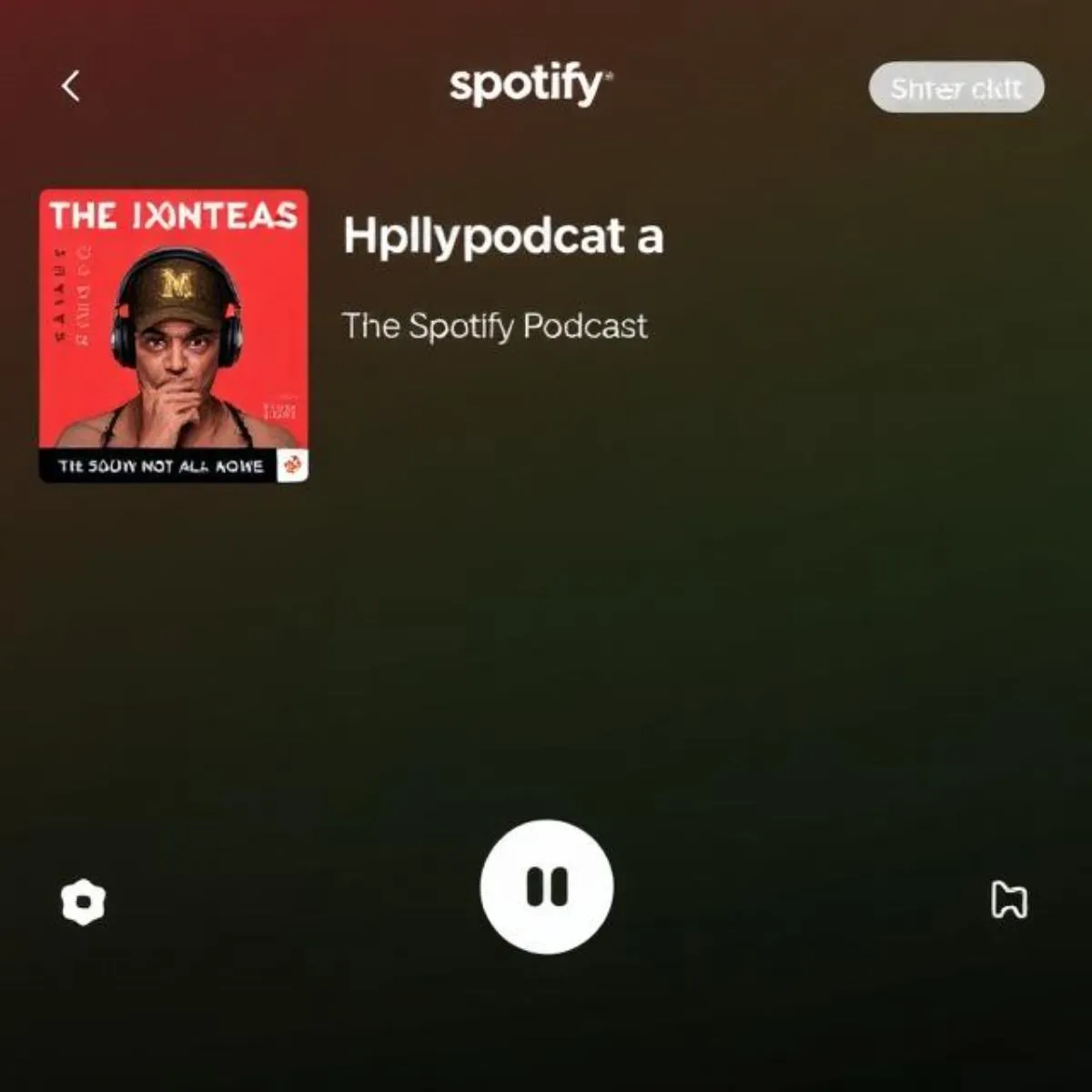
Spotify has quietly rolled out one of its most practical features yet — the ability to clip specific moments from podcast episodes. If you’ve ever struggled to share a great podcast segment without forcing someone to sit through a two-hour episode, this tool solves that problem directly.
What the Feature Actually Does
Podcast Clips lets you select, trim, and save a short audio or video segment from any supported podcast episode. Instead of sharing a full show, you send only the part that matters — a sharp piece of advice, a funny exchange, or a key insight. The target length sits between 15 and 60 seconds, with 30 to 45 seconds working best for shareability.
How to Use It (In Order of Steps)
Getting started is straightforward. Open Spotify on your phone, play any supported podcast episode, and expand the Now Playing screen. If a scissors icon appears in the playback controls, the feature is active for that show. Tap it to enter the clipping interface.
Inside, you’ll find a scrollable transcript of the episode. Rather than dragging a timeline bar blindly, you can type a keyword and jump directly to that moment — a genuinely smarter approach. Set your start and end points using the sliders, watch the duration counter, then tap Preview to hear your clip before committing. Once satisfied, either save it to your library or share it immediately.
Where Clips Live and How to Organize Them
Every clip you save lands in a dedicated “Your Clips” folder inside Your Library. From there, you can replay, rename, re-edit, or delete any clip. More usefully, you can sort clips into playlists — a practical move for anyone using podcasts for research or content creation. Grouping clips by theme, such as “AI News” or “Product Reviews,” makes retrieval far faster than scrolling through a general list.
Sharing Options Worth Knowing
When sharing, Spotify now offers four distinct formats: the full episode link, a chapter link, a timestamp, or your trimmed clip. The clip option is the newest and most useful for introducing people to content they haven’t heard before.
Recipients without Spotify installed aren’t locked out — the link opens in a browser-based web player, so nothing gets blocked by a paywall. Both free and premium account holders can create and receive clips without any extra cost.
Sharing destinations include WhatsApp, Instagram, X, Telegram, Facebook, and a copy-link option for anywhere else. For users in India especially, WhatsApp integration makes this immediately practical.
Who Benefits Most
Three groups gain the most from this feature. Listeners no longer need to hunt through long episodes to find one segment — they clip it once and revisit it anytime. Podcast creators gain a free marketing channel, since every shared clip carries Spotify branding and links back to the full show. Sponsors benefit too, as clips featuring their mentions travel further than the original broadcast alone.
For content writers and researchers, the workflow improvement is notable. Clips can serve as timestamped source references, embedded in articles or sent to colleagues instead of a multi-hour recording.
Current Limitations to Keep in Mind
The feature runs on mobile only — no desktop or web player support yet. Not every podcast has been onboarded; the rollout is expanding gradually, so the scissors icon won’t appear on every show immediately. Clip length is currently capped, longer extracts aren’t an option. The transcript-based selector also depends on transcript quality, which varies across shows.
Availability at a Glance
Podcast Clips launched globally on May 26–27, 2026. It works on both iOS and Android, requires no premium subscription, and supports audio as well as video podcasts. The feature sits within a broader push by Spotify — which now has 761 million monthly active users — to position itself as a full media platform rather than a music-only service.
For anyone who regularly discovers, shares, or researches podcast content, this is one of the more immediately useful additions Spotify has shipped in recent memory.