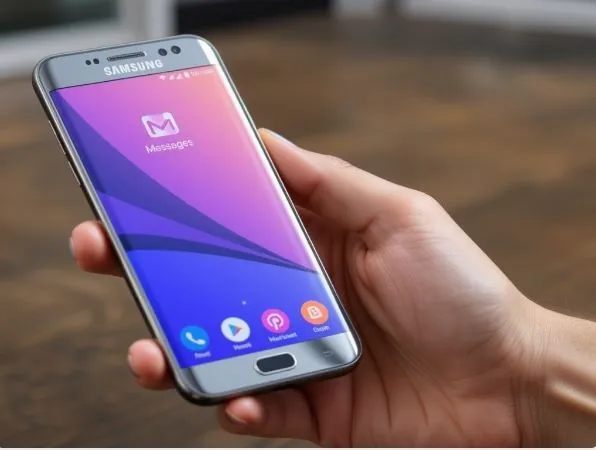
So here’s something that’s going to affect millions of Galaxy phone users, and most people have no idea it’s coming. Samsung is pulling the plug on its own messaging app. Yep, that blue Messages app you’ve probably been using for years? It’s getting retired in July 2026. But before you panic, let me walk you through exactly what’s happening and what you need to do about it.
The Real Story Behind the Switch
Think of it this way. Samsung has been running its own little post office for years — handling all your texts, photos, and group chats through Samsung Messages. But Google has been building a much bigger, fancier post office called Google Messages, and Samsung finally decided, “You know what? Let’s just use theirs.” It makes sense when you think about it. Why spend all that time and money maintaining a separate system when Google’s already doing it better?
This isn’t just a random business decision either. Google has been quietly convincing Android phone makers to all get on the same page with messaging. The goal is to finally give Android users something that feels as smooth and unified as iMessage does for iPhone people. Samsung is the biggest domino to fall, and it’s a big deal.
What Actually Changes (And What Doesn’t)
Here’s where people get confused, so let’s clear this up. Your phone number isn’t changing. Your SIM card stays the same. You’re not losing the ability to text. The only thing changing is which app delivers your messages. It’s like switching from one delivery driver to another — the package still arrives, just in a different truck.
The cutoff applies specifically to Galaxy phones running Android 12 and above. We’re talking the S22, S23, S24, S25, and S26 series, plus the Z Fold and Z Flip lines from the last few years. If you’re somehow still on Android 11 or older, you’re off the hook for now. But honestly, most active Galaxy users are well past that.
After July 2026, Samsung Messages won’t completely disappear from your phone, but it’ll basically become useless for everyday texting. The only thing it’ll still do is let you contact emergency numbers. For everything else, it goes dark.
Why Google Messages Is Actually Better
Here’s the thing — Google Messages isn’t a downgrade. If anything, it’s a genuine upgrade that most people will appreciate once they get used to it. The biggest win is something called RCS, which is basically a supercharged version of texting. You get read receipts, typing indicators, high-quality photo and video sharing, and messaging over Wi-Fi, all baked right in.
On top of that, Google has been weaving its Gemini AI into the app, so you get smart reply suggestions, message summaries, and even scam detection that flags dodgy links before you accidentally tap them. And if you ever want to check your messages from a laptop, you can just go to messages.google.com and everything syncs up automatically.
What You Should Do Right Now
This is the part that actually matters, so treat this like a checklist from a friend who wants to save you a headache later.
First, open the Play Store and search for Google Messages. Download it. Second, open the app, go into Settings, find “Chat features,” and turn RCS on. This is what unlocks all the good stuff. Third — and this is important — set Google Messages as your default SMS app. You can do this right inside the app, or through your phone’s main Settings under Apps and then Default apps.
Once that’s done, fire off a test message to someone and make sure everything’s working. If you have any old conversations in Samsung Messages that you really want to keep, now is the time to back them up, because there’s no automatic way to transfer everything over.
The Bottom Line
Samsung making this switch is ultimately a good thing for users, even if the timing feels a bit forced. You’re trading some Samsung-specific flair for better AI features, stronger security, and a more consistent experience across Android phones. The transition is smooth if you handle it before July — and now that you know what’s coming, you’ve got plenty of time.