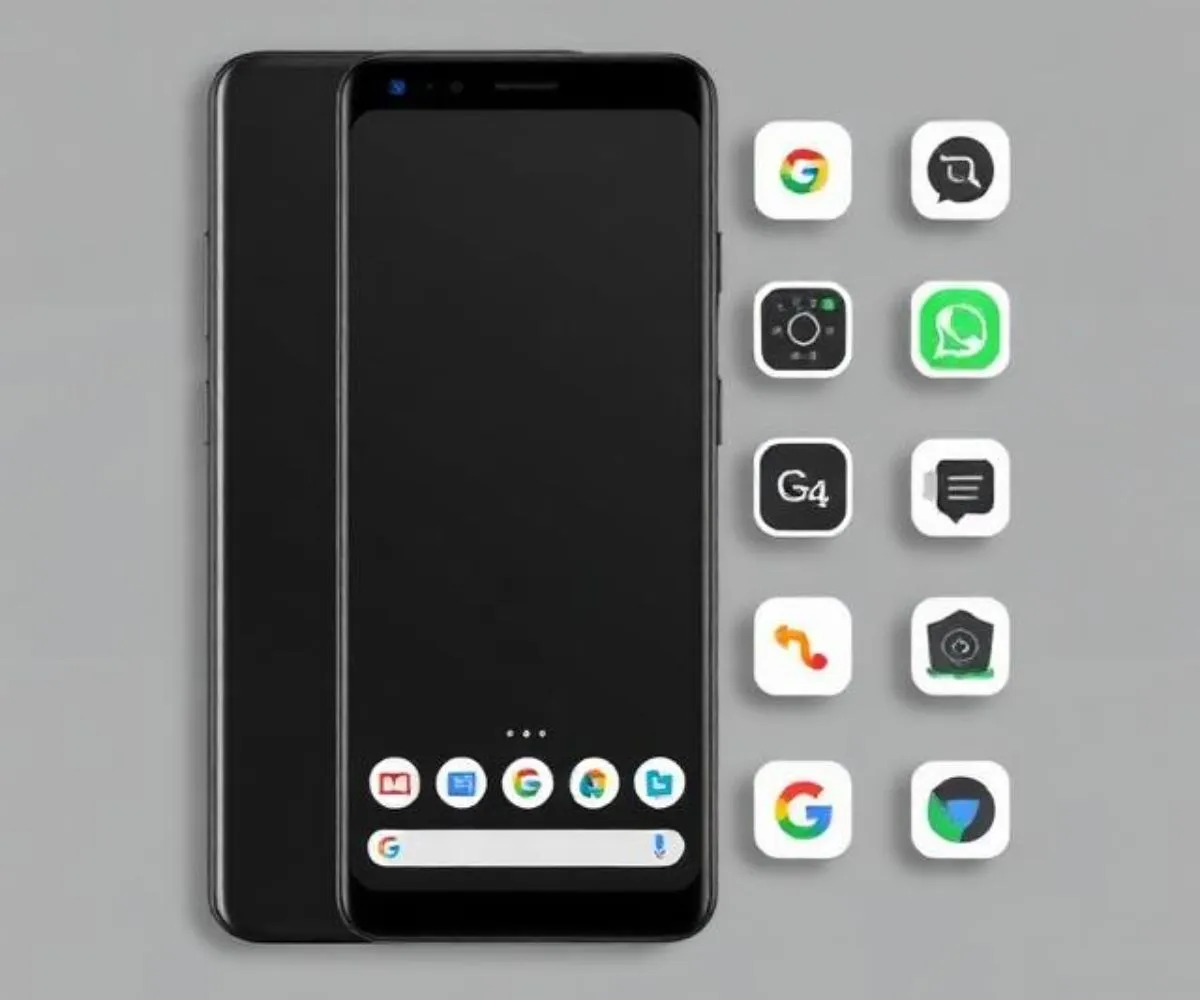
Google has taken home-screen customization in a bold new direction with its latest Pixel feature — the Disco icon style. If you’ve been looking for a way to make your phone stand out without downloading third-party apps, this built-in update is worth your attention. Here’s a clear breakdown of what it is, how it works, and whether it’s right for you.
What the Disco Icon Style Actually Is
Disco is not an app you download or an external icon pack you install manually. It lives directly inside Pixel Launcher as an official preset, which means Google built and manages it as part of the phone’s core customization system.
The visual effect transforms your app icons into shiny, disco-ball-inspired designs set against a dark background. The result is a high-contrast, retro-party look that makes the home screen feel dramatically different from the default Material You appearance. Think glitter and sparkle rather than clean minimalism.
Where It Fits Among Existing Options
Disco doesn’t arrive in isolation. It joins a growing collection of AI-generated icon styles Google has already introduced, including Scribbles, Cookies, Stardust, Easel, and Treasure. Together, these form what is becoming a proper theme system inside Pixel Launcher — not just cosmetic tweaks, but a curated set of visual identities users can move between.
This shift matters because Google is no longer simply matching icon tints to your wallpaper color. Instead, it’s offering full visual overhauls that change the entire mood of the home screen with just a few taps.
How to Enable It
Accessing Disco is straightforward. Open your Pixel’s settings, navigate to the wallpaper and style section, and look for the custom icons area. From there, you can select Disco along with any other available styles. The AI-powered system applies the look automatically across supported app icons at the launcher level, making the process seamless and consistent.
Which Devices Support It
The Disco style arrived as part of the March 2026 Pixel Drop update. It works on most Tensor-powered Pixel phones starting from the Pixel 6 onward. However, the Pixel Tablet appears to be left out of this particular custom icon support. As of now, there is no sign that the feature will extend beyond Pixel devices to the broader Android ecosystem.
Why Google Is Doing This
The bigger story here is about Pixel identity. Google is clearly using home-screen personalization as a way to differentiate Pixel phones from other Android devices. By building these styles directly into the launcher rather than relying on users to find and install third-party solutions, Google keeps the experience polished and tightly integrated.
The speed at which Disco went from online buzz to official feature also signals something important — Google is now able to respond to cultural moments and design trends quickly. The “discomorphism” aesthetic had been circulating online before Google made it official, and the fast turnaround shows how agile the Pixel team has become with launcher updates.
Should You Use It?
That depends entirely on your taste. If you enjoy a bold, expressive home screen that draws attention and feels playful, Disco is an effortless upgrade. There’s no setup friction, no compatibility worries, and no third-party risk.
If you prefer a clean, distraction-free look, you’re not forced into anything. Disco is fully optional, and switching back to a simpler style takes seconds. It sits alongside your other options rather than replacing them.
The Bigger Picture
Disco is a clear signal that Google views Pixel home-screen styling as an ongoing, evolving platform rather than a finished feature. More themed presets are likely on the way, and the system appears designed to grow. For Pixel users, this means home-screen personalization is becoming richer, faster, and more expressive — all without leaving the default launcher.