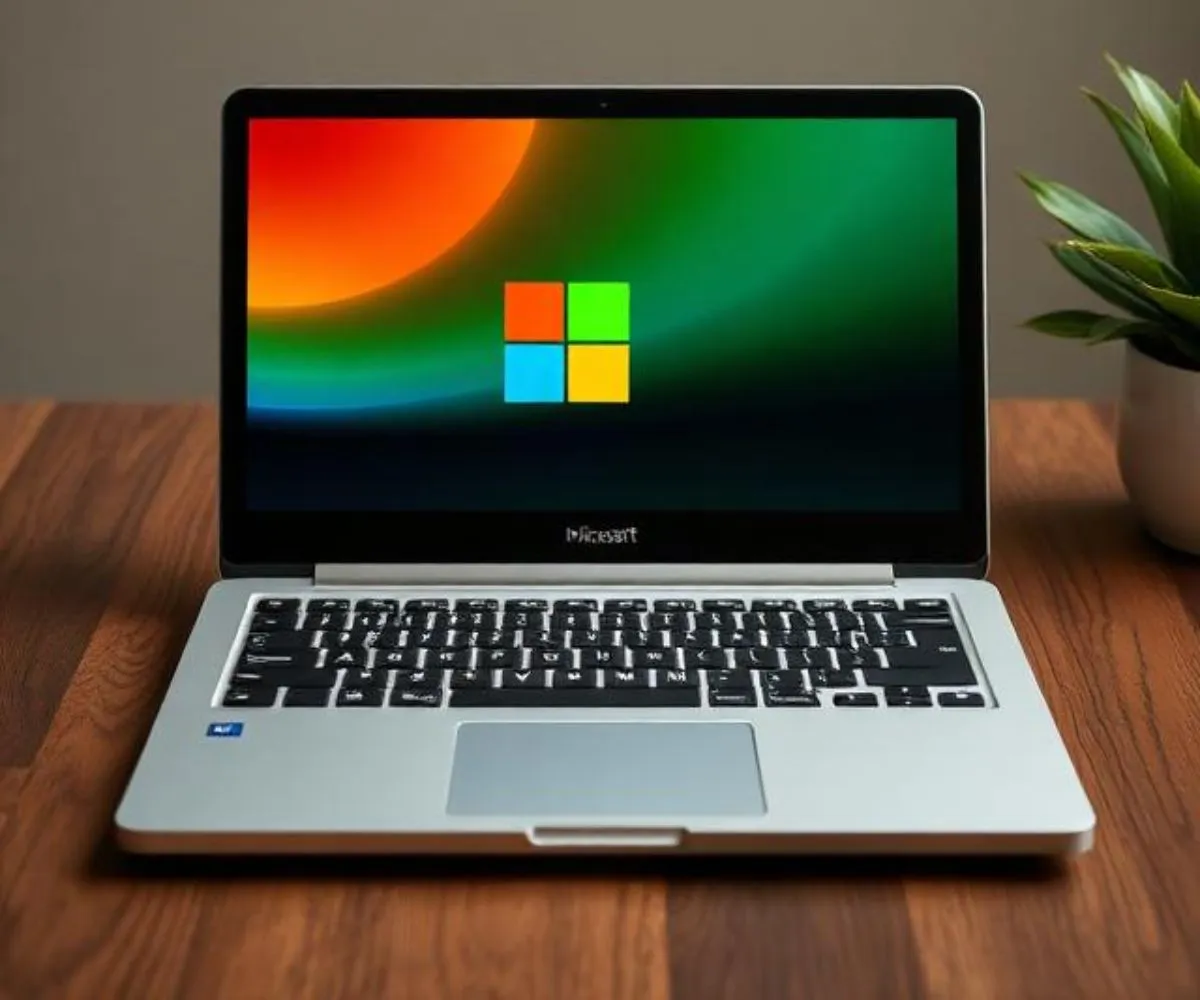
Microsoft has officially announced the Surface Laptop Ultra, its most powerful laptop to date. Built around Nvidia’s brand-new RTX Spark chip, this machine targets AI developers, content creators, and professionals who demand serious computing power on the go. Here is a prioritized breakdown of everything that matters before you consider buying one.
- The Chip Is the Headline
The RTX Spark is an Arm-based system-on-chip that combines CPU and GPU in one package. It packs up to 20 CPU cores and a Blackwell-architecture GPU with up to 6,144 CUDA cores, all built on a 3nm process. This tight integration means lower latency, better efficiency, and no separate graphics card drawing extra power. In raw AI terms, Nvidia claims up to 1 petaflop of AI compute — performance comparable to a discrete RTX 5070 laptop GPU in certain tasks.
- Memory Changes Everything
Rather than splitting RAM between the processor and a dedicated graphics card, the Surface Laptop Ultra uses up to 128 GB of unified LPDDR5X memory shared across both. With roughly 273 GB/s of bandwidth, the system can run massive AI models entirely in memory without the usual bottleneck of shuffling data back and forth. This is a genuine advantage for local AI work and large creative projects. The tradeoff: memory is soldered in at purchase and cannot be upgraded later, so choose your configuration carefully.
- AI Workloads Are Front and Center
This laptop is built for running AI locally — not streaming it from the cloud. You can run large language models privately on-device, fine-tune models using TensorRT, and use real-time AI tools for transcription, summarization, or creative enhancement. For developers and researchers handling sensitive data or needing fast iteration without cloud costs, this is a meaningful shift. Nvidia is also bringing its full software stack — CUDA, TensorRT, DLSS, OptiX — to Windows on Arm, which reduces friction for porting existing GPU-accelerated workflows.
- Display and Build Are Premium
The 15-inch Mini-LED PixelSense Ultra touchscreen delivers around 262 PPI sharpness and peaks at 2,000 nits of HDR brightness. For video editors, photographers, and 3D artists working with HDR content, that display quality is genuinely useful rather than just a spec sheet boast. The laptop weighs under 4.5 pounds, comes in Platinum or Nightfall finishes, and includes a larger haptic touchpad compared to previous Surface models.
- Port Selection Is Surprisingly Generous
Unlike most thin modern laptops, the Surface Laptop Ultra includes USB-A, USB-C, HDMI, a full-size SD card slot, and a headphone jack. For creators who regularly connect cameras, external drives, or monitors, this eliminates the dongle problem that plagues many competitors.
- Battery Life Promises Need Scrutiny
Microsoft claims all-day battery life, crediting the efficiency of the Arm-based chip. However, no official battery capacity or standardized test results have been released. Heavy AI and creative workloads will drain the battery faster than light use. Until independent reviewers publish real numbers, treat Microsoft’s battery claims with reasonable skepticism.
- What Still Needs Proving
Several important questions remain unanswered. Sustained performance under thermal pressure is unknown — the chip reportedly operates at up to 80W under full load, and how the chassis manages heat over long sessions matters significantly. Software maturity is another open question: CUDA on Arm is still being optimized, and some applications may require updates before running properly. Real gaming benchmarks are also absent. Finally, pricing has not been confirmed, though given the 3nm chip, high memory ceiling, and premium display, expect a steep price tag when the laptop ships later in 2026.
Final Verdict
The Surface Laptop Ultra represents a genuinely ambitious machine — not just a spec upgrade, but a platform shift. If local AI development, HDR creative work, or heavy professional computing are central to how you work, it deserves serious attention. That said, wait for independent benchmarks on thermals, battery, and real-world GPU performance before committing.