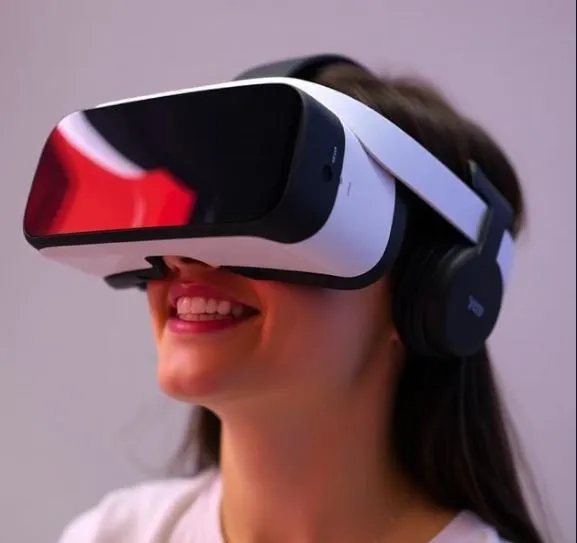
After more than two years of Vision Pro owners making do with workarounds, YouTube’s native visionOS app has finally arrived. The question isn’t whether it works—it does—but whether it delivers enough to justify the wait, and which features actually matter for your daily use.
What Actually Works Well
The core viewing experience is genuinely impressive. YouTube’s implementation of spatial computing creates a theater-sized screen that floats in your visionOS Environment, and the immersive playback feels natural rather than gimmicky. Standard videos pin cleanly to your field of view or environment walls, letting you lean back and watch comfortably without constant head tracking adjustments.
The gesture controls are intuitive enough that you’ll forget you’re learning them. Pinch to select, scrub timelines with hand movements, resize windows naturally—it all works as spatial interfaces should. Your subscriptions, playlists, and watch history sync seamlessly, so you’re not starting from scratch.
For immersive content enthusiasts, the dedicated Spatial tab is the highlight. 3D videos, 360-degree content, and VR180 formats place you at the center of the action, and this is where Vision Pro’s hardware actually shines. If you own an M5-powered Vision Pro, 8K playback brings noticeably sharper detail to high-resolution content.
What’s Missing (And What It Means for You)
Here’s the critical gap: no offline downloads. If you travel frequently, commute on spotty connections, or want to watch during a flight, you’re out of luck. This is a significant limitation that competing platforms already solved. Your downloaded YouTube Premium content remains stuck on your phone or tablet.
Multitasking works—you can pair YouTube alongside Mac Virtual Display for productivity—but videos stay anchored during head movement rather than following your gaze. Whether this feels stable or restrictive depends on your workflow preferences.
The app also arrived remarkably late. Vision Pro launched in early 2024; this app didn’t appear until February 2026. Third-party solutions filled the void (until YouTube shut them down for terms violations), which raises questions about Google’s commitment to timely platform support.
Who Should Prioritize This App
Install immediately if you:
- Regularly watch 360-degree or VR180 content
- Own an M5 Vision Pro and want 8K playback
- Prefer gesture controls over Safari’s web interface
- Need access to subscriptions and playlists in spatial environments
Can probably wait if you:
- Primarily watch standard videos (Safari works fine)
- Need offline downloads for travel
- Don’t care about immersive format support
- Have limited visionOS storage space
Managing Your Expectations
Set your expectations appropriately: this is YouTube’s standard feature set adapted for spatial computing, not a revolutionary reimagining of video consumption. Playback speed controls (0.25x to 2x), captions, volume adjustments, and skip buttons (±10 seconds) work exactly as you’d expect. The spatial tab is genuinely useful, but only if you actually watch immersive content.
Performance is solid on both M2 and M5 chip models, though M5 owners get the 8K advantage. The app requires visionOS 2.6 or later, so check your system version before installing.
YouTube’s native visionOS app does what it should have done two years ago: provides reliable access to your content with proper gesture controls and spatial features. The immersive video support is excellent, and the core experience is polished.
However, the missing offline mode is a real problem for mobile users, and the delayed launch suggests this platform isn’t Google’s top priority. Install it if you own Vision Pro—it’s better than Safari—but manage your expectations accordingly. This is competent execution, not innovation.
For most users, the app’s value comes down to one question: do you watch enough immersive content to justify the install? If yes, download it now. If no, Safari still works just fine.