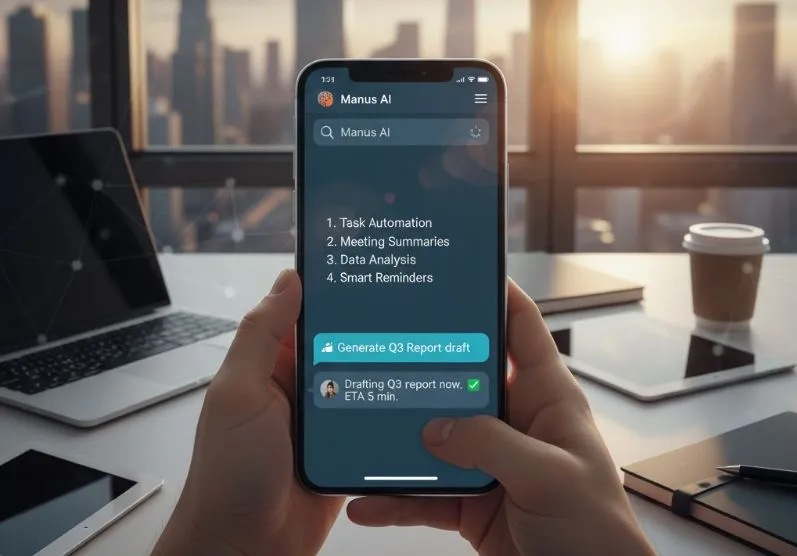
If you’ve ever wished your AI assistant could just live inside your messaging app — no tabs, no switching, no setup headaches — that wish just got closer to reality. Manus AI, recently acquired by Meta, has rolled out its full agent capabilities directly inside Telegram. And this isn’t a watered-down chatbot. It’s the same powerful engine from the web platform, now accessible from a simple chat window.
Here’s everything you need to know, and more importantly, how to use it smartly.
What Manus AI on Telegram Actually Is
Manus AI is an autonomous agent — meaning it doesn’t just answer questions, it executes tasks from start to finish. On Telegram, it brings that same end-to-end capability without requiring any technical setup. Think of it as having a capable assistant available 24/7 in your pocket, ready to handle complex, multi-step work on demand.
It launched around February 15–16, 2026, and expansions to WhatsApp, Messenger, and Slack are already planned.
Setup: Under One Minute
Getting started couldn’t be simpler:
- Open your Manus web workspace
- Go to the Agents tab
- Click Connect and scan the QR code with Telegram on your phone
That’s it. No API keys, no configuration files, no developer knowledge needed. Your existing projects, memory, and skills from the web platform carry over automatically.
Available to all subscription tiers — not just premium users.
What It Can Handle
Manus on Telegram accepts almost any kind of input:
- Text prompts for instructions and questions
- Voice notes that get transcribed automatically before processing
- Photos for editing or analysis
- Documents for summarization, extraction, or processing
Once it receives your input, it can run full multi-step workflows and deliver finished outputs — PDFs, reports, images, videos — right inside the chat thread. No need to go back to a browser.
Tasks it handles well include research reports, code generation and execution, image and video creation, meeting prep from emails and calendars, data analysis, and tool integrations like Gmail.
Two Models, One Choice
Manus offers two models to match your workload:
- Manus 1.6 Max — Best for complex tasks requiring deep reasoning, creativity, or long-form outputs
- Manus 1.6 Lite — Faster, ideal for quick summaries, short answers, and routine tasks
Choosing the right model is the single most effective way to manage your time and credits. Use Lite for daily quick tasks; switch to Max only when the work genuinely demands it.
Customization and Memory
You can set your preferred response style — concise, structured, or conversational — and it persists across sessions. Combined with persistent memory of your projects and skills from the web platform, Manus adapts to how you work over time rather than starting fresh every conversation.
This is particularly useful for ongoing projects where context matters, like managing a recurring report or coordinating a workflow that spans multiple tools.
Privacy and Current Limits
Right now, Manus on Telegram is limited to direct messages only. It cannot access your group chats or contact list. This is a deliberate privacy boundary — your data stays contained within your one-on-one conversation with the agent.
Group chat support and integrations with WhatsApp and Slack are on the roadmap, so the scope will expand.
How to Prioritize and Use It Effectively
To get the most value out of Manus on Telegram, treat it like a skilled assistant — not a search engine. A few practical habits:
Batch your requests. Instead of sending five separate messages, describe the full task in one go. Manus handles multi-step work natively, so giving it the complete picture upfront produces better results faster.
Use voice notes for speed. If you’re on the move, dictate your task. Manus transcribes it accurately and gets to work immediately, removing the friction of typing on mobile.
Match the model to the task. Defaulting to Max for everything wastes time and resources. Reserve it for complex analysis, creative projects, or anything requiring nuanced judgment. Use Lite for summaries, quick lookups, and routine tasks.
Set your style once. Spend two minutes configuring your preferred response format. Getting structured output consistently — rather than reformatting every reply — adds up to significant time saved over weeks.
Treat it as a workflow tool, not just a Q&A bot. The real power is in end-to-end execution: hand off a messy email thread and ask for a meeting brief, or drop in a document and get a clean summary with action items. That’s where it outperforms simpler assistants.
Manus AI on Telegram is a meaningful step toward ambient, always-available AI assistance. The setup is frictionless, the capabilities are genuinely broad, and the integration with your existing Manus workspace means there’s no learning curve if you’re already a user. For new users, the QR code onboarding makes it one of the easiest AI tools to get started with today.