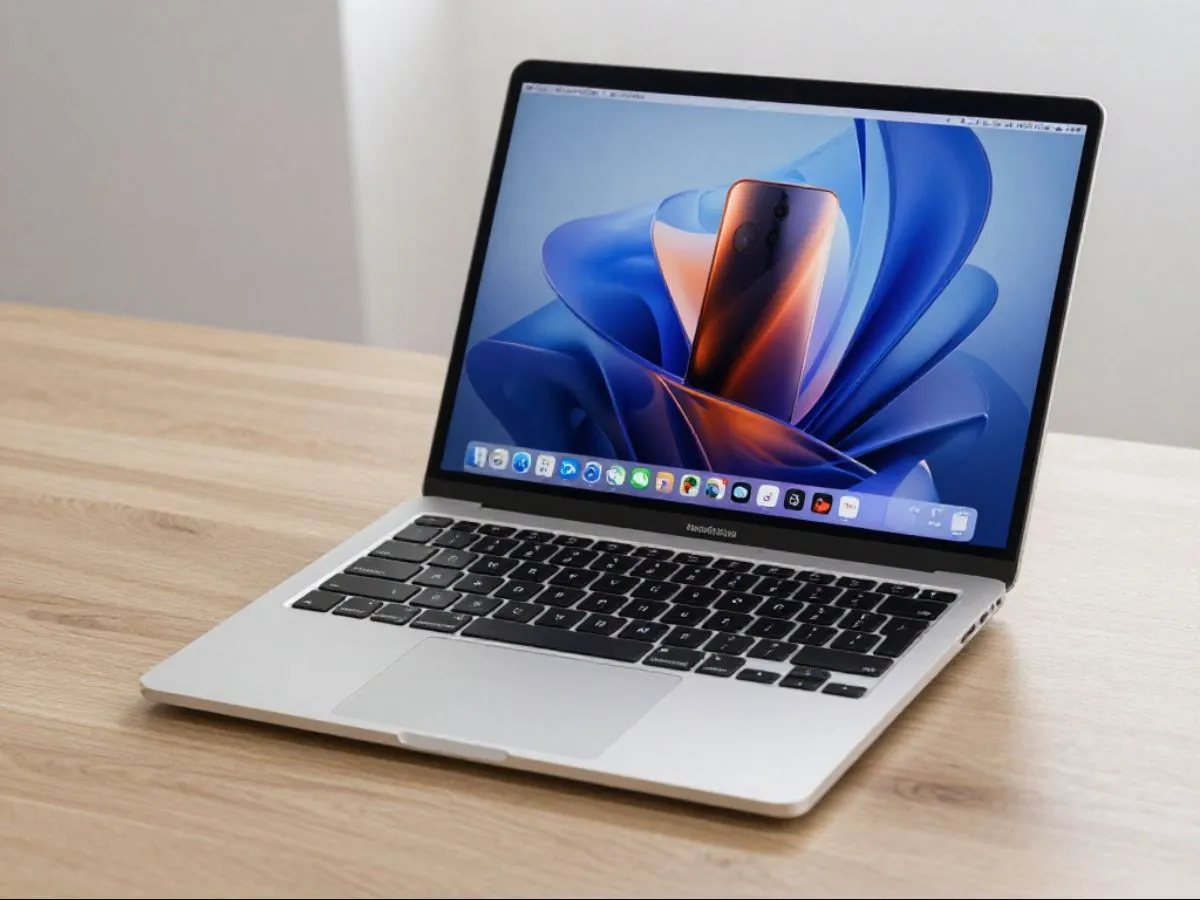
Google Chrome just pulled off something unexpected on Apple’s M5 MacBook Pro: it beat every other Mac browser in two major speed benchmarks — including Safari, which Apple has long optimized for its own hardware. Here’s what actually matters, ranked from most to least important.
- Chrome Is Now the Fastest Browser on Mac — At Least on Paper
Chrome scored 61 on Speedometer 3.1 and 469 on JetStream 3, setting records across all Mac browsers. That’s a 5% jump on Speedometer year-over-year, and a 10% improvement on JetStream since early 2026. Even Safari — which Apple tunes specifically for its chips — couldn’t keep up. Graphics performance was also 15% faster than Safari. These aren’t minor rounding errors; this is a clean sweep.
- The M5 Chip Does a Lot of the Heavy Lifting
Before crediting Chrome’s engineers entirely, context matters. The M5 chip itself scored 61.75 on Speedometer 3.1 compared to 52.8 on M4 Pro and just 33.5 on M1 Pro. That’s an 85% improvement over M1 Pro in browser performance alone. So if you’re on an older Mac, these Chrome numbers won’t mean much for you yet — but they signal where things are headed.
- JavaScript Got Noticeably Faster
Chrome’s V8 engine received real, concrete changes — not vague “improvements.” The team inlined fast paths for common operations in the compiler, skipped redundant execution steps, and optimized async operations including promise handling and microtask dispatch. They also improved sorting algorithms and string comparison. The net result is roughly a 10% JavaScript speed increase since early 2026. For everyday browsing, this means web apps and interactive sites should feel more responsive.
- WebAssembly Support Got Serious
WebAssembly (Wasm) now accounts for 15–20% of the JetStream 3 benchmark — up from just 7% in the previous version. Chrome improved its internal data structures for Wasm workloads, added better SIMD code generation, and strengthened register allocation. The practical beneficiaries are tasks like client-side AI inference, password hashing, cryptography, and running runtimes like SQLite or .NET in the browser. If you use any web tools that rely on Wasm, you’ll likely notice the difference.
- The Rendering Engine Got a Quiet Overhaul
Chrome’s Blink engine saw over 20 tracked graphics optimizations since the start of 2026, with more than half already shipped. CSS style calculation is faster, DOM access is quicker, text rendering improved with better Apple typography integration, and memory layouts for the DOM, CSS, and layout pipeline were restructured for less waste and better CPU cache use. These changes may not show up in a single dramatic “wow” moment — but they add up across a full browsing session.
- The Long-Term Trajectory Is Impressive
Since May 2022, Chrome has improved on Speedometer 3 by 72%. On M1 Macs after targeted tweaks, Chrome is reportedly 41% faster than it used to be. Google is clearly not treating browser optimization as a solved problem. The pace of improvement, especially now that M5 hardware is in the mix, suggests Chrome is becoming a serious daily driver even for Mac users who defaulted to Safari for performance reasons.
Who Should Care Most
Power users who spend most of their day in the browser — running web apps, using AI tools, editing docs online — will feel these gains most. Casual users may not notice much day to day. Those on M1 or M2 Macs should still see some Chrome improvements, but the headline numbers only apply to M5 hardware.
Quick Verdict
Chrome on M5 Mac is genuinely fast now — faster than Safari in benchmarks, and built on real engineering work rather than just chip horsepower. If you gave up on Chrome for performance reasons, it’s worth another look. Just know that some of this speed lives in the benchmarks, not entirely in real-world tab-switching and page loads.