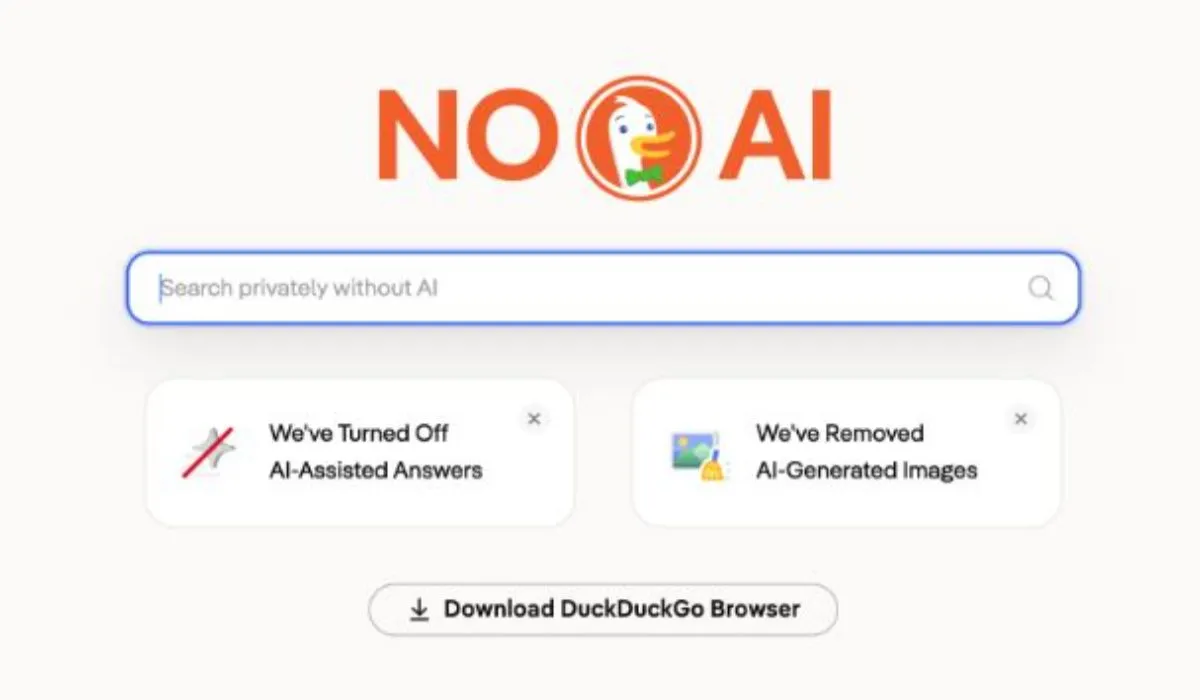
Most people stick with whatever search engine came pre-installed on their device. Changing that default feels like extra work, so they never bother. But if you have been frustrated by AI-generated summaries cluttering your search results lately, DuckDuckGo’s latest move is worth paying attention to.
The company recently launched browser extensions for Chrome and Firefox. Their one job: set DuckDuckGo’s AI-free search page — noai.duckduckgo.com — as your default search engine. No complicated setup. Install it, and your searches go straight to results without AI answers, chat prompts, or AI-generated images mixed in.
Why This Matters Right Now
Google overhauled its search experience in 2025 and made AI-generated overviews the first thing you see, with no way to turn them off. For users who just want a list of websites to click through, that change was unwelcome. DuckDuckGo CEO Gabriel Weinberg put it bluntly: Google is pushing AI on users who never asked for it and offering no opt-out.
The numbers suggest a lot of people share that frustration. After Google’s announcement, traffic to DuckDuckGo’s no-AI page jumped nearly 30% week over week. On May 28, 2026, visits spiked to three times the usual level. Even in quieter periods since then, traffic has stayed roughly 84% above the original baseline — which tells you the shift is not just people clicking out of curiosity and leaving.
US app installs also climbed, up 18.1% on average week over week, with iOS installs peaking at nearly 70% growth in a single week.
What the Extension Actually Does
The no-AI extension strips out three things from your search results: AI-generated answer boxes, suggestions to use DuckDuckGo’s own AI chat, and most AI-generated images. What you get instead is a clean list of web links, the same way search worked before these features became standard.
The extension is separate from DuckDuckGo’s older Privacy Essentials extension, though the company says AI search controls will be added to Privacy Essentials soon. If you use the DuckDuckGo browser directly, your AI preferences are saved even after you clear your browser history, so you do not have to reset them each time. Edge and Opera support is listed as coming soon.
The Privacy Angle
The no-AI experience is only part of the story. DuckDuckGo’s broader pitch has always been around privacy. Unlike Google, DuckDuckGo does not log your search history or build a profile around your searches. Nothing you search gets fed back into AI training.
A survey the company cited found that 90% of respondents preferred to keep AI out of their search results. That is a large number, and it lines up with the traffic data. People are not just complaining about AI search online — a meaningful portion of them are actually switching.
Is It Worth Using?
That depends on what you actually want from search. If you mostly search for news, reviews, product comparisons, or anything where a list of different sources is more useful than a single summarized answer, the no-AI experience works well. You click your own sources, form your own view.
If you regularly ask questions where an AI summary saves you time — technical how-tos, quick factual lookups — then stripping AI entirely might feel like going backward.
The honest answer is that most people fall somewhere in between. The useful thing about DuckDuckGo’s approach is that the choice is yours. Install the extension and try AI-free search for a week. You can always switch back.
Getting Started
Search for “DuckDuckGo no AI extension” in the Chrome Web Store or Firefox Add-ons, or visit noai.duckduckgo.com directly in your browser. The setup takes under a minute.
Given how fast its user numbers have grown since Google’s changes, DuckDuckGo seems to have found something real here — a segment of users who want useful search results without being guided toward a chatbot answer first.