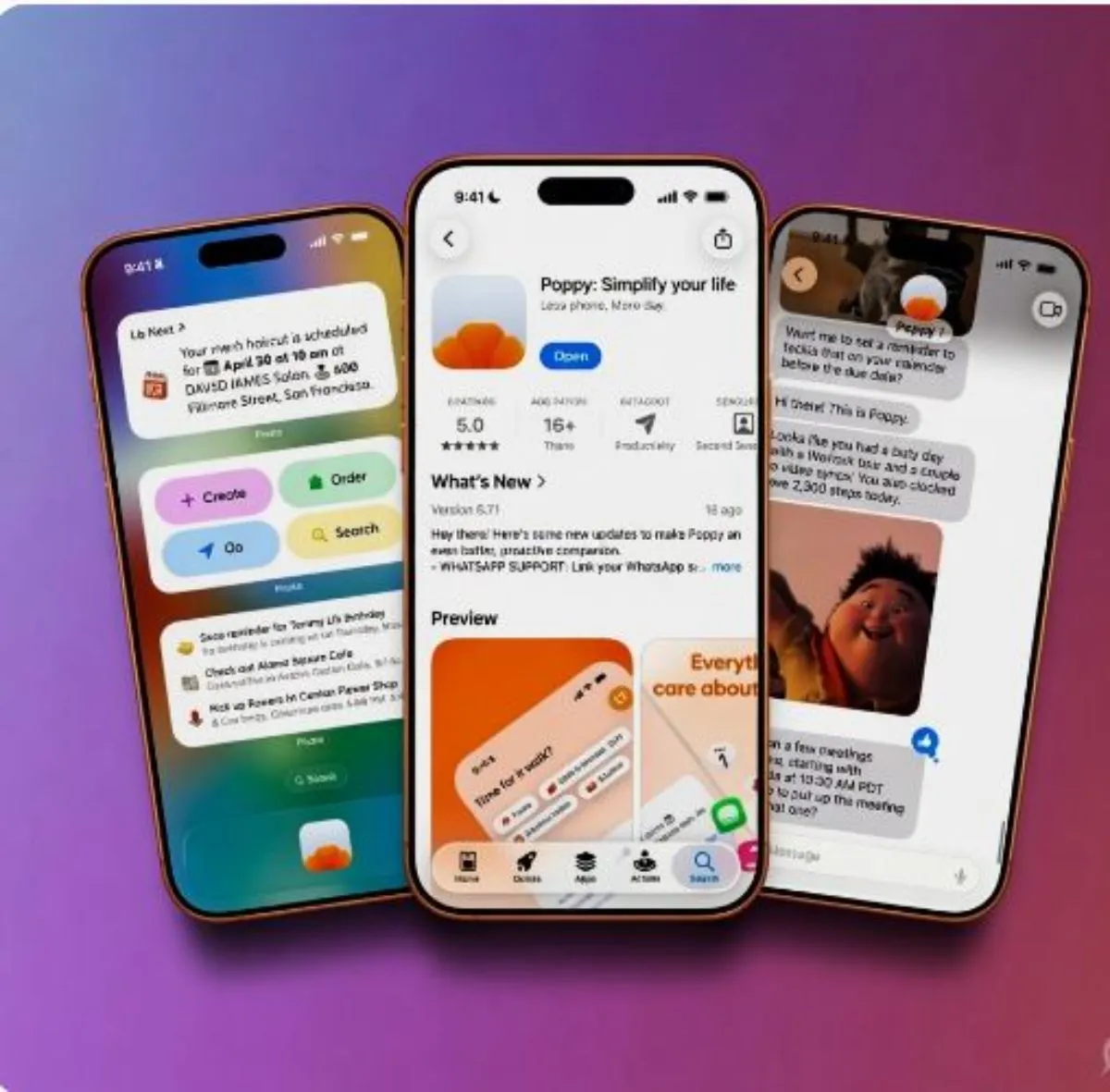
If your phone feels less like a tool and more like a constant interruption, Poppy is worth your attention. Launched in May 2026, this iOS app takes a different approach from standard AI assistants. Rather than waiting for you to ask something, it watches your schedule, emails, and messages in the background and steps in before you even realize you needed help.
What Actually Makes It Useful
The core idea is simple: stop juggling five different apps just to know what your day looks like. Poppy pulls your calendars, emails, messages, health data, and delivery services into one place and gives you a clean summary of what matters.
What makes it genuinely practical is the proactive part. Say you have a 30-minute gap between meetings. Poppy notices it, checks the weather and your location, and might suggest a short walk nearby. It sounds gimmicky until you realize you’ve spent the last six months mindlessly scrolling during those same gaps. It also scans your emails for flight delays, pulls medication times from Apple Health, and flags calendar conflicts before they become a problem — none of which requires you to manually set anything up.
The daily digest feature is another win. Instead of checking Gmail, then your calendar, then WhatsApp, you get one summary. That alone cuts down a surprising amount of habitual phone-picking.
What It Connects To
At launch, Poppy works with a solid range of apps:
- Calendars: Apple Calendar, Google Calendar, Outlook
- Email: Gmail, Outlook, iCloud Mail
- Messaging: iMessage, WhatsApp, Contacts, Reminders
- Health: Apple Health
- Services: Uber, Instacart
The Mac companion app is a clever workaround. Apple locks third-party apps out of full iMessage access on iPhone, so Poppy routes that through a desktop app instead. It’s a bit inelegant, but it works.
Android support is not available yet. If that’s your platform, you’ll need to wait — expansions including Android, Slack, and Spotify are reportedly planned.
The Privacy Question
This is the part most people should think carefully about. Poppy needs access to a lot of personal data — emails, location, health records, messages — to do what it promises. That’s a significant amount of trust to extend to any app.
The company says all stored data is end-to-end encrypted, and when cloud AI models process your information to generate suggestions, nothing is retained afterward. Users can also toggle which data sources the app can access and turn on focus modes that mute non-essential alerts.
That’s a reasonable privacy posture, but it’s worth knowing going in: the more access you give it, the more useful it gets. If you’re not comfortable with an app reading your emails and health data, the core value proposition disappears. It’s a genuine tradeoff, not a dealbreaker, but one you should make consciously.
Who Gets the Most Out of It
Poppy makes the most sense for people with packed schedules, heavy email volume, and lots of small recurring decisions — the kind of person who has six apps open before 9am. If your days are fairly light or you already have a system that works, it adds complexity more than it removes it.
Professionals managing multiple calendars, frequent travelers watching for flight updates, or anyone who’s frustrated by constant app-switching will likely find it genuinely useful within the first week.
Pricing and Access
The app is free to download on iOS (search “Poppy: Simplify your life,” App Store ID: 6751168744). A premium tier runs around $4.99/month and unlocks unlimited suggestions plus advanced analytics. More details and a demo are available at getpoppy.ai.
Final Take
Poppy does what it says. It won’t replace your calendar or email app entirely, but it adds a layer of intelligence on top of them that genuinely reduces the mental overhead of staying organized. The privacy ask is real, but the controls are there. For busy users tired of managing their own attention, it’s one of the more practical AI tools to come out this year.