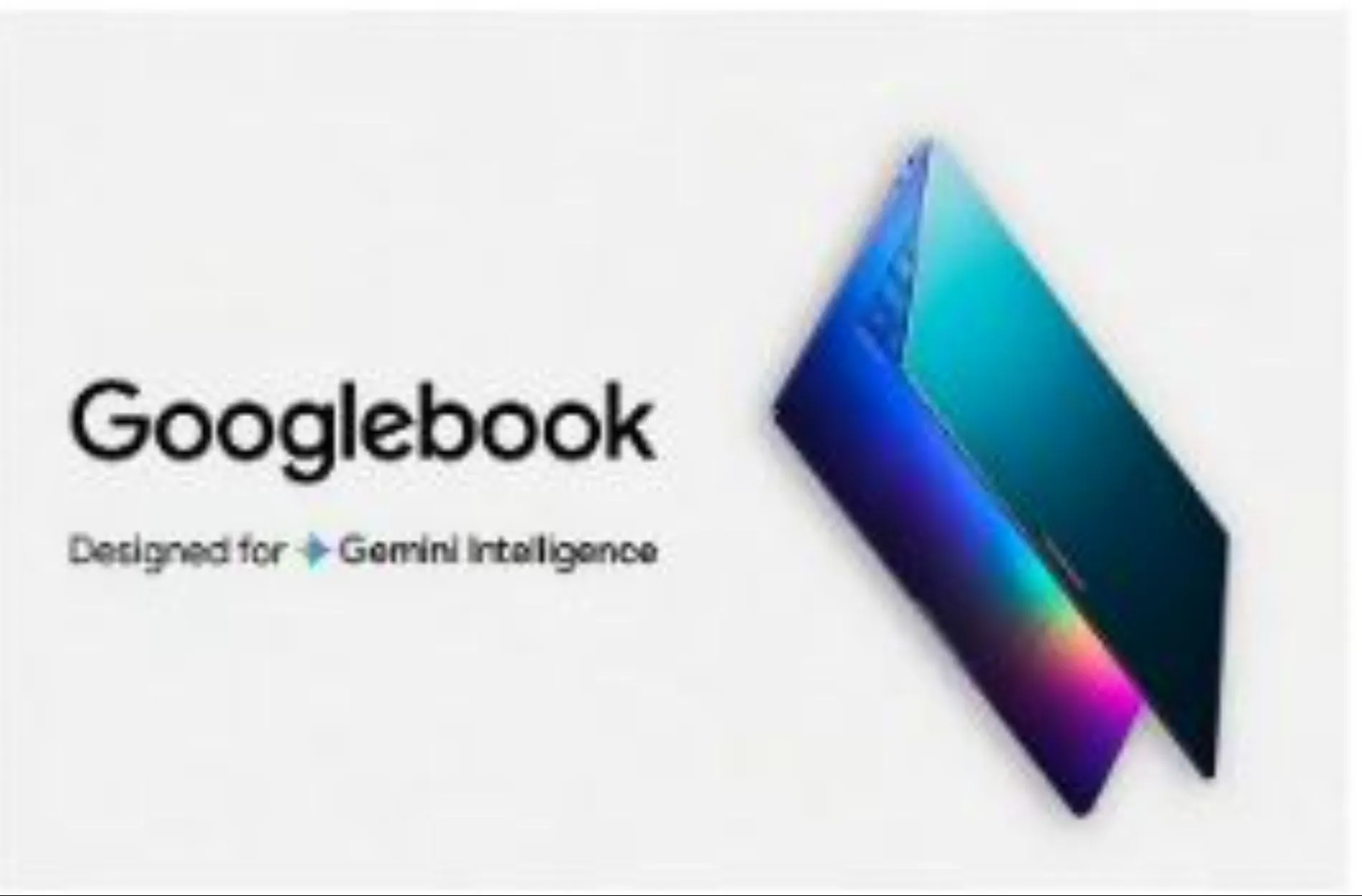
Google has officially entered the premium laptop market with the Googlebook — a device that moves well beyond what Chromebooks ever attempted. Announced at Android Show 2026, these AI-first laptops are built to challenge the MacBook and Windows AI laptops head-on. Here’s what matters most, ranked by priority.
- Gemini AI Is the Whole Point — And It Actually Works
The biggest reason to care about Googlebook is how deeply Gemini is embedded throughout the experience. Unlike competitors that treat AI as an add-on, Gemini runs at the system level here. The standout feature is Magic Pointer — move your cursor over anything on screen, give it a wiggle, and Gemini immediately suggests relevant actions. Want to add a deadline from an email to your calendar? Done without opening another app. Need to summarize a long document? One gesture. This alone makes the laptop feel genuinely different to use day-to-day.
Alongside that, Widget Studio lets you build personalized dashboards just by typing or speaking a prompt. Ask it to create a travel planner, and it pulls in your flights from Gmail, hotel bookings from Drive, real-time weather, and a countdown — all auto-updating. These aren’t gimmicks; they solve real productivity problems.
- The Operating System Is a Major Leap Forward
Googlebook runs a merged platform called Googlebook OS, combining Android 16 and ChromeOS 130+. Every app from the Google Play Store runs natively, Linux tools work out of the box, and Windows apps can run through built-in emulation. If you already rely on Android apps on your phone, they all carry over seamlessly.
Phone integration is tighter than anything available today. Your phone’s files appear directly in your laptop browser. Apps from your phone — like Duolingo or Spotify — can be pinned to the desktop and picked up right where you left off. It works without cables, without extra software, and without friction. For Android users especially, this alone could be the deciding factor.
- Hardware That Finally Matches the Price Tag
Earlier Chromebooks were affordable but felt budget-oriented. Googlebook goes the opposite direction. Expect aluminum and titanium builds weighing around 3 pounds, OLED displays up to 4K resolution at 144Hz, and processors from Google’s Tensor G4, Qualcomm Snapdragon X Elite, or Intel — all with dedicated AI chips built in. RAM starts at 16GB and can reach 64GB, storage goes up to 4TB, and battery life exceeds 20 hours in real use.
There’s also a Glow Bar — a slim light strip along the edge that displays subtle color-coded status notifications. It’s a small touch, but it gives the device a distinctive look that sets it apart visually.
- Pricing: Premium, But with Options
Starting prices begin around $999 for the Acer base model, climbing to $2,999 for the top-tier Lenovo YogaBook Pro 9i dual-screen configuration. Pre-orders open in June 2026, with trade-in offers available for existing Chromebook and Pixelbook owners. Education buyers get bulk licensing discounts, and businesses can use zero-touch enrollment for managed deployments.
This isn’t cheap — but the value proposition is real if you’re already invested in Google’s ecosystem.
- Privacy and Security Are Built In
Around 95% of Gemini’s processing happens directly on the device. Cloud processing only kicks in when you opt in for more complex tasks. Third-party audits back up these privacy claims. For users who’ve been hesitant about AI assistants due to data concerns, this approach is worth noting.
Bottom Line
Googlebook is for people who live in Google’s ecosystem — Gmail, Drive, Calendar, Android — and want a laptop that genuinely connects all of it. If you’re coming from a Chromebook, the upgrade in power, polish, and capability is enormous. If you’re evaluating it against a MacBook, the Android integration and AI features offer something Apple currently can’t match. Availability begins fall 2026 through partners including Acer, Asus, Dell, HP, and Lenovo.
